What Is a Vanity URL? The Complete Guide for 2026
Last updated: April 19, 2026
Quick Answer
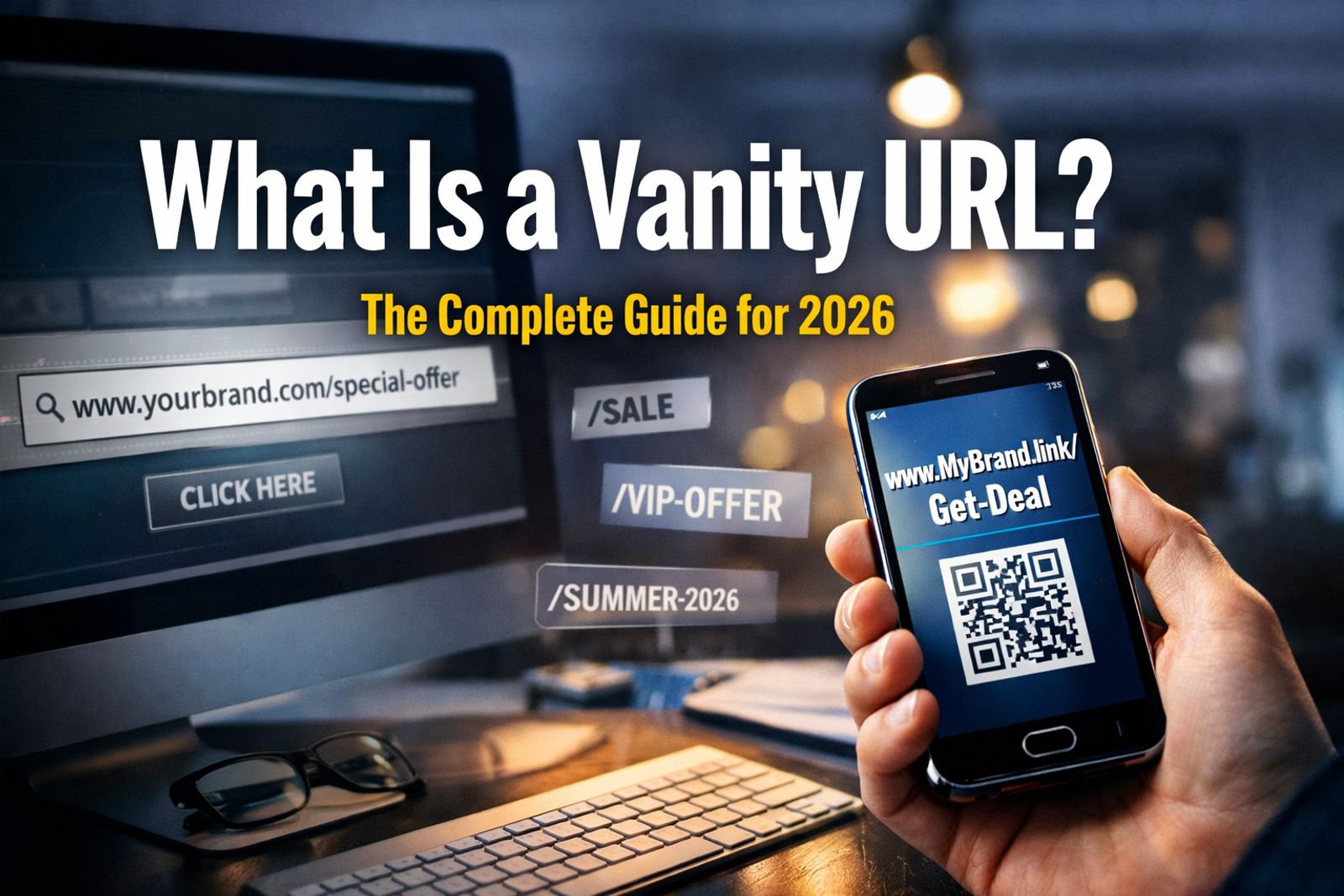
A vanity URL is a custom, human-readable web address created to replace a long, auto-generated link. Instead of sharing example.com/p?id=93847, a brand shares example.com/free-trial. Vanity URLs are shorter, more memorable, and easier to brand — making them useful for marketing campaigns, social media profiles, and printed materials.
Key Takeaways
- A vanity URL is a customized, branded web address that replaces a generic or complex URL
- They improve click-through rates by appearing trustworthy and relevant to the destination
- Vanity URLs are used on social media profiles, email campaigns, QR codes, and landing pages
- They differ from standard URL shorteners because they include a recognizable brand name or keyword
- Setting one up typically requires a domain registrar, a redirect rule, or a link management tool
- Vanity URLs can support SEO when they include target keywords and use proper 301 redirects
- Common mistakes include using too many hyphens, creating overly long slugs, or skipping redirect tracking
- Most link management platforms offer vanity URL creation at no extra cost within existing plans
What Is a Vanity URL, Exactly?
A vanity URL is a custom web address designed to be clean, short, and brand-consistent. It replaces ugly, auto-generated strings with something a human can actually remember and type.
For example:
TypeExampleGeneric URLexample.com/blog?post=4829&ref=homepageVanity URLexample.com/seo-guideBranded short URLbrand.ly/free-trial
The word “vanity” here doesn’t mean frivolous. It means the URL is crafted for appearance and recognition, not just function. Vanity URLs are sometimes called custom URLs, branded links, or pretty links depending on the platform.
Pull quote: “A vanity URL is the difference between handing someone a business card and handing them a crumpled receipt.”
Why Do Businesses Use Vanity URLs?
Vanity URLs solve a real problem: most auto-generated web addresses are unreadable, untrustworthy, and impossible to share verbally. Businesses use them to increase click-through rates, reinforce brand identity, and make tracking easier.
Key reasons to use a vanity URL:
- Memorability: Short, keyword-rich URLs are easier to recall after seeing an ad or hearing a podcast mention
- Trust: Users are more likely to click a link that looks intentional and branded rather than a random string of characters
- Tracking: Custom URLs can be paired with UTM parameters to measure campaign performance without exposing messy tracking codes
- Print and offline use: A vanity URL like
brand.com/offerworks on a billboard; a 90-character URL does not - Professionalism: Branded links signal that a company manages its digital presence carefully
Vanity URLs also play a supporting role in link building strategy. When a custom URL is shared widely, it creates a consistent anchor point that’s easier for other sites to reference. Understanding what backlinks are in SEO helps clarify why a clean, shareable URL matters for off-page authority too.
What Is a Vanity URL vs. a Regular Short URL?
A vanity URL and a generic short URL both make links shorter, but they serve different purposes and create different impressions.
A generic short URL (like bit.ly/3xKpQ2) is auto-generated and carries no brand identity. A vanity URL (like bit.ly/YourBrand-FreeTrial) is deliberately crafted to include a recognizable name or keyword.
Comparison at a glance:
FeatureGeneric Short URLVanity URLBrand recognition❌ None✅ HighMemorability❌ Low✅ HighTrust signal❌ Weak✅ StrongCustomizable slug❌ Auto-generated✅ User-definedTracking capability✅ Yes✅ YesSEO value❌ Minimal✅ Moderate (with keywords)
Choose a vanity URL if: the link will appear in marketing materials, social profiles, or anywhere a human will read it.
Choose a generic short URL if: the link is temporary, internal, or used only in automated systems where appearance doesn’t matter.
How Does a Vanity URL Work Technically?
Behind the scenes, a vanity URL is a redirect. When someone visits the custom address, the server sends them to the actual destination URL. This is almost always done using a 301 redirect (permanent) or a 302 redirect (temporary).
How the redirect process works:
- User types or clicks
brand.com/free-trial - The server receives the request and checks its redirect rules
- The server returns a 301 redirect pointing to the actual destination (e.g.,
brand.com/landing-pages/free-trial-signup?campaign=spring2026) - The user’s browser loads the destination page automatically
- The redirect happens in milliseconds — the user rarely notices
Three common ways to set up a vanity URL:
- Domain registrar redirect: Set a forwarding rule at the DNS level for an entire domain (e.g.,
go.yourbrand.com→ main site) - CMS plugin: Tools like Pretty Links (WordPress) let users create custom slugs that redirect internally
- Link management platform: Services like Bitly, Rebrandly, or Short.io allow branded short domains with custom slugs
For SEO purposes, always use a 301 redirect for permanent vanity URLs. A 302 redirect tells search engines the move is temporary, which can dilute link equity. To understand how redirects and backlinks interact, the guide on how backlinks work in SEO covers the mechanics clearly.
What Is a Vanity URL Used For? Real-World Examples
Vanity URLs appear across nearly every marketing channel. Here are the most common use cases with concrete examples:
Social media profiles:
- LinkedIn allows users to customize their profile URL:
linkedin.com/in/yournameinstead oflinkedin.com/in/user-48392847 - Facebook pages can claim a username:
facebook.com/YourBrand
Marketing campaigns:
- A brand running a summer sale might use
brand.com/summer2026on all ads, emails, and social posts - This makes it easy to track traffic from a single campaign source
QR codes:
- Vanity URLs shorten the data encoded in a QR code, making it scan faster and look cleaner when printed
Email newsletters:
- Instead of embedding a 200-character affiliate link, a newsletter uses
brand.com/recommended-tool
Podcast and radio ads:
- A host says “go to brand.com/listen” — a URL that’s actually speakable and typeable
Internal team links:
- Companies use vanity URLs for internal wikis, onboarding docs, or HR portals:
company.com/benefits
Do Vanity URLs Help SEO?
Vanity URLs can support SEO, but they are not a major ranking factor on their own. Their SEO value comes from two areas: keyword inclusion and link equity preservation.
Where vanity URLs help SEO:
- Keyword-rich slugs: A URL like
brand.com/best-seo-toolssignals topic relevance to search engines - 301 redirects preserve link equity: When a vanity URL earns backlinks and properly redirects, the destination page receives most of that link value
- Improved click-through rates: A clean, readable URL in search results can increase CTR, which is a behavioral signal Google monitors
Where vanity URLs don’t help:
- A vanity URL alone won’t rank a page. The destination page still needs quality SEO content and proper on-page optimization
- Redirect chains (vanity URL → intermediate page → final page) can dilute link equity
- Keyword stuffing in a URL slug looks spammy and can hurt rather than help
Common SEO mistake: Creating a vanity URL with a 302 (temporary) redirect instead of a 301. This tells Google not to pass link authority to the destination, wasting any backlink value the vanity URL earns. If you’re building high-authority backlinks to a vanity URL, a 301 redirect is non-negotiable.
How to Create a Vanity URL: Step-by-Step
Setting up a vanity URL takes between 5 minutes and a few hours depending on the method. Here’s the most practical approach for most businesses:
Option A: Using a link management platform (fastest)
- Sign up for a service like Rebrandly, Bitly, or Short.io
- Connect a custom domain (e.g.,
go.yourbrand.com) via DNS settings - Create a new link and enter the destination URL
- Type a custom slug (e.g.,
/free-trial) - Save and test the link in a browser
- Add UTM parameters if tracking campaign performance
Option B: Using WordPress with a redirect plugin
- Install a plugin like Pretty Links or Redirection
- Go to the plugin dashboard and click “Add New Link”
- Enter the destination URL and choose a custom slug
- Set redirect type to 301 (permanent)
- Save and verify the redirect works
Option C: Server-level redirect (for developers)
Add a redirect rule to the .htaccess file (Apache) or nginx.conf (Nginx):
# Apache .htaccess example
Redirect 301 /free-trial https://www.yourbrand.com/landing/free-trial-signup
Best practices for choosing a slug:
- Keep it under 30 characters
- Use hyphens between words, not underscores
- Include a relevant keyword if possible
- Avoid dates unless the content is truly time-sensitive
- Make it pronounceable for offline use
What Are the Risks and Limitations of Vanity URLs?
Vanity URLs are straightforward, but a few edge cases can cause problems.
Potential issues to watch for:
- Broken redirects: If the destination page URL changes and the redirect isn’t updated, users hit a 404 error. Audit vanity URLs regularly.
- Redirect chains: Stacking multiple redirects (vanity URL → page A → page B) slows load time and weakens SEO signals
- Domain dependency: If the custom domain expires or the link management account lapses, all vanity URLs on that domain break simultaneously
- Trademark conflicts: A vanity URL using another brand’s name can create legal exposure
- Over-reliance on one platform: Locking all vanity URLs into a single third-party tool creates vendor risk
Edge case: Some email clients and spam filters flag links from certain branded short domains. If deliverability is a concern, test vanity URLs with an email testing tool before a major send.
For broader link strategy, understanding contextual backlinks and how they interact with redirect structures can help avoid unintended SEO consequences.
FAQ: What Is a Vanity URL?
Q: Is a vanity URL the same as a custom domain?
A vanity URL is a specific link within a domain, while a custom domain is the domain itself. A custom domain (e.g., go.yourbrand.com) is often used to host vanity URLs, but they are not the same thing.
Q: Are vanity URLs free?
Many link management platforms include basic vanity URL creation in free plans. Using a custom branded domain typically requires a paid plan, plus the cost of registering the domain (usually $10–$20/year).
Q: Do vanity URLs expire?
Only if the redirect rule or platform subscription lapses. Properly maintained vanity URLs on owned domains can last indefinitely.
Q: Can a vanity URL hurt SEO?
A poorly configured vanity URL (using a 302 redirect, creating redirect chains, or targeting thin content) can reduce SEO effectiveness. A well-configured one with a 301 redirect is neutral to positive.
Q: How is a vanity URL different from a permalink?
A permalink is the permanent URL assigned to a piece of content (like a blog post). A vanity URL is a custom alias that redirects to that permalink. Both can be keyword-rich, but they serve different structural roles.
Q: Can vanity URLs be used for social media profiles?
Yes. LinkedIn, Facebook, and YouTube all allow users to claim a custom profile URL. These are a form of vanity URL managed directly by the platform.
Q: What’s the best tool for creating vanity URLs in 2026?
Rebrandly and Short.io are strong choices for branded short links. For WordPress sites, Pretty Links is widely used. For enterprise needs, platforms like Bitly Business or HubSpot’s link tools offer more analytics.
Q: Should a vanity URL include a keyword?
Including a relevant keyword in the slug is a good practice when it reads naturally. Forcing keywords into every URL just for SEO is unnecessary and can make links look awkward.
Q: What happens to SEO if a vanity URL is deleted?
If the redirect is removed and the URL returns a 404, any link equity pointing to that vanity URL is lost. Always redirect deleted vanity URLs to a relevant page rather than letting them 404.
Q: Can vanity URLs be tracked in Google Analytics?
Yes. Append UTM parameters to the destination URL before setting up the redirect. The vanity URL stays clean for users, while the destination URL carries full tracking data.
Conclusion: Actionable Next Steps
A vanity URL is one of the simplest, highest-impact improvements a brand can make to its link strategy. Clean, branded URLs build trust, improve memorability, and make campaign tracking far more manageable.
To get started:
- Audit existing links — identify any long, auto-generated URLs used in active marketing materials
- Choose a method — link management platform (fastest), WordPress plugin (easiest for site owners), or server-level redirect (most control)
- Register a branded short domain if budget allows (e.g.,
go.yourbrand.com) - Apply 301 redirects to all permanent vanity URLs — never 302
- Add UTM parameters to destination URLs so analytics data stays clean
- Document all vanity URLs in a shared spreadsheet with destination URLs, creation dates, and campaign owners
- Review quarterly — check for broken redirects, expired domains, or outdated campaign links
For brands investing in broader SEO and link building, a clean URL structure is the foundation everything else builds on. Explore resources on why backlinks are important for SEO and how to get backlinks to see how vanity URLs fit into a larger organic growth strategy.
References
- Moz. (2023). URL Structure Best Practices. https://moz.com/learn/seo/url
- Google Search Central. (2022). Keep a simple URL structure. https://developers.google.com/search/docs/crawling-indexing/url-structure
- Rebrandly Blog. (2023). What is a vanity URL?. https://www.rebrandly.com/blog/vanity-url/
- Bitly. (2024). The power of branded links. https://bitly.com/blog/branded-links/
Vanity URL Builder & Checker Tool
🔗 Vanity URL Quality Checker
Enter your domain and custom slug to score your vanity URL before publishing.
Your Domain Custom Slug (the part after /) yourbrand.com/ Please fill in both fields before checking. Destination URL (full link this redirects to) Check My Vanity URL
Quality Score
Copy Vanity URL